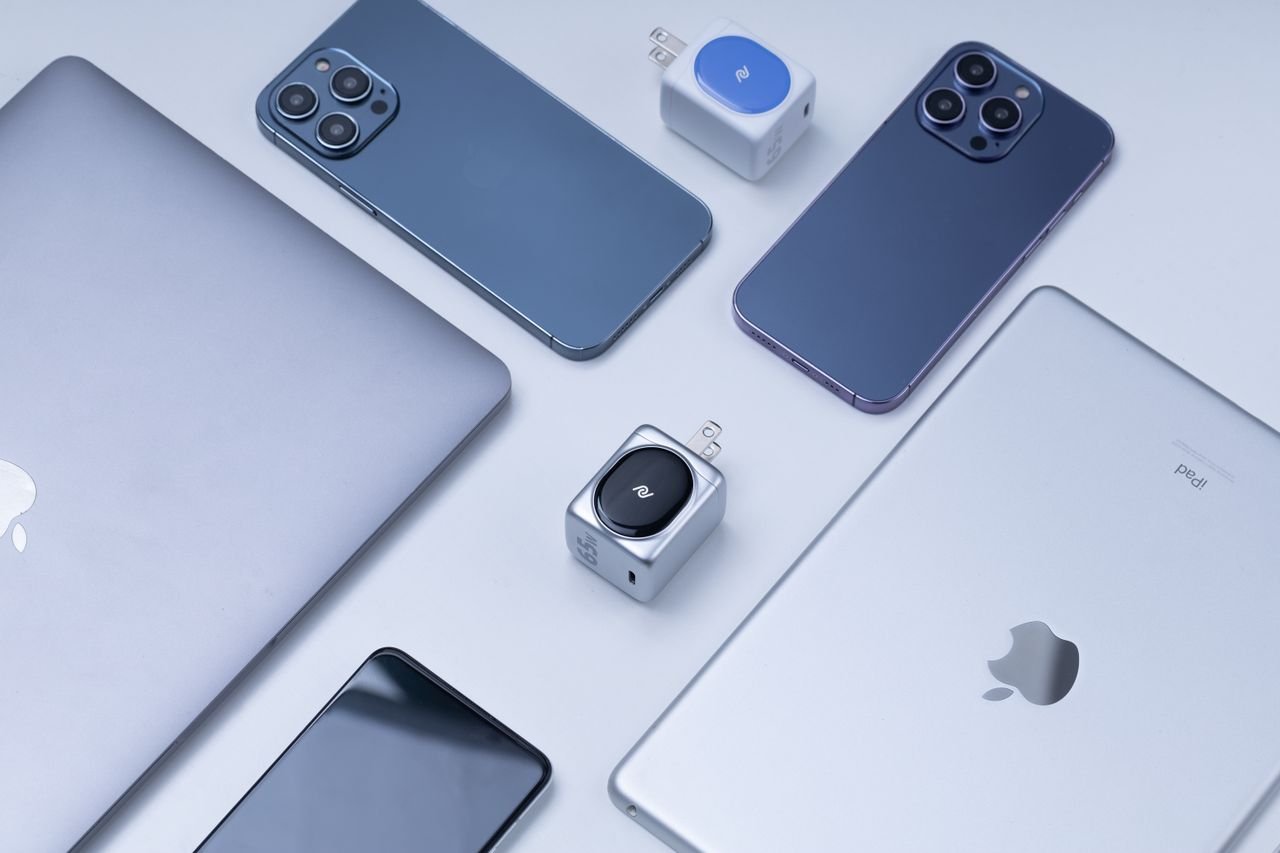
VPN for Multiple Devices: Coverage and Setup
A VPN for multiple devices lets you protect several computers and mobile devices with one account, up to the provider’s

A VPN for multiple devices lets you protect several computers and mobile devices with one account, up to the provider’s

You can use a VPN with Starlink by connecting through the VPN app on each device or through a compatible
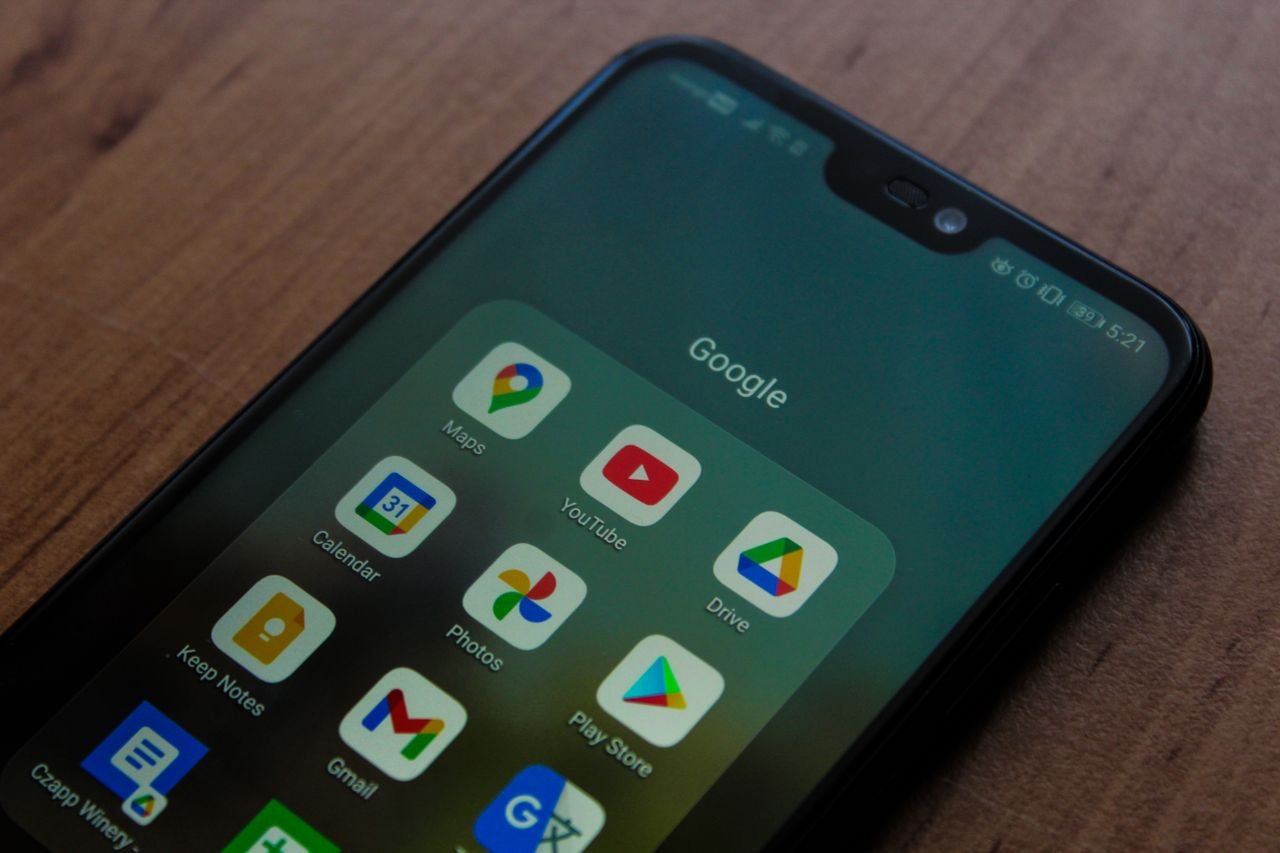
Setting up a virtual private network on your device safeguards your mobile data on public Wi-Fi. Finding the best VPN
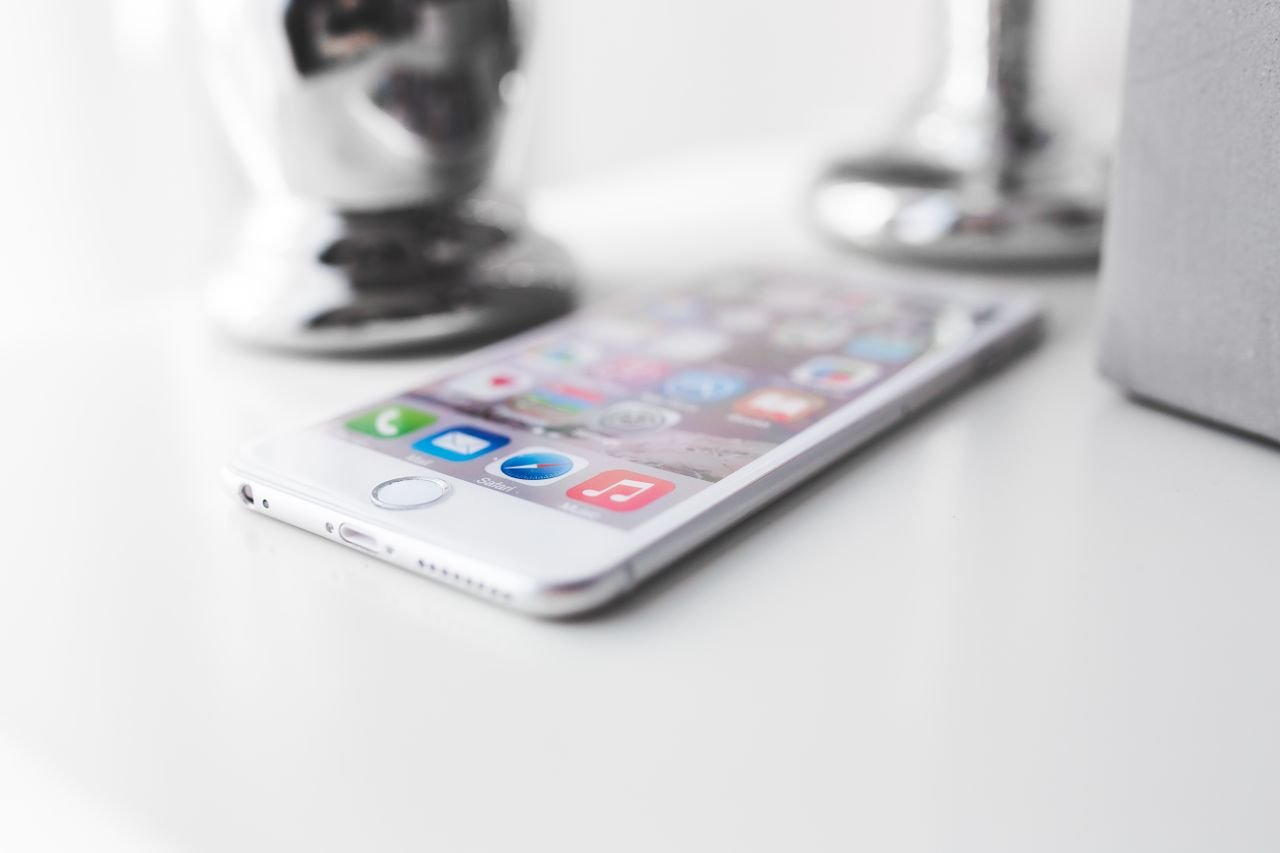
If you’re looking for how to set up a VPN on iPhone or iPad, VPNSoEasy uses the VPNClient app and
How to Set Up a VPN on iPhone and iPad With VPNSoEasy Read More »
Choosing a reliable VPN for Mac makes protecting your privacy simple. When you set up a VPN on a Mac,

VPNSoEasy lets you install a VPN on your Windows PC through its VPNClient app: subscribe, download the Windows installer from
How to Install a VPN on Windows: VPNSoEasy Guide Read More »

VPN setup with VPNSoEasy follows five steps: subscribe, copy your VPN credentials from your dashboard, install VPNClient, sign in, and
How to Set Up a VPN on Any Device: VPNSoEasy Guide Read More »
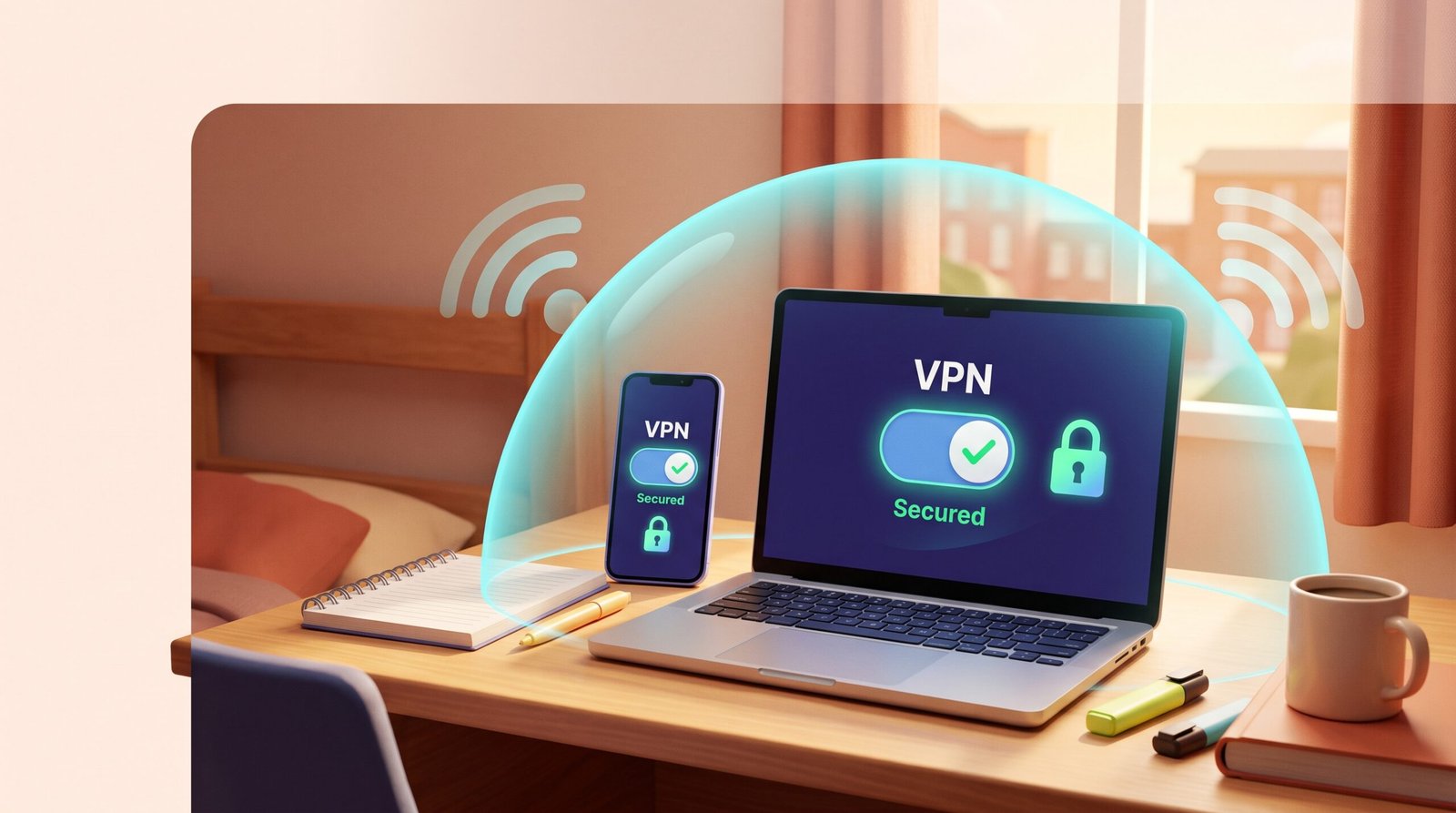
A VPN for dorm Wi-Fi keeps your browsing private on shared campus networks. Learn what it protects, what it can’t, and how to set one up on a student budget.
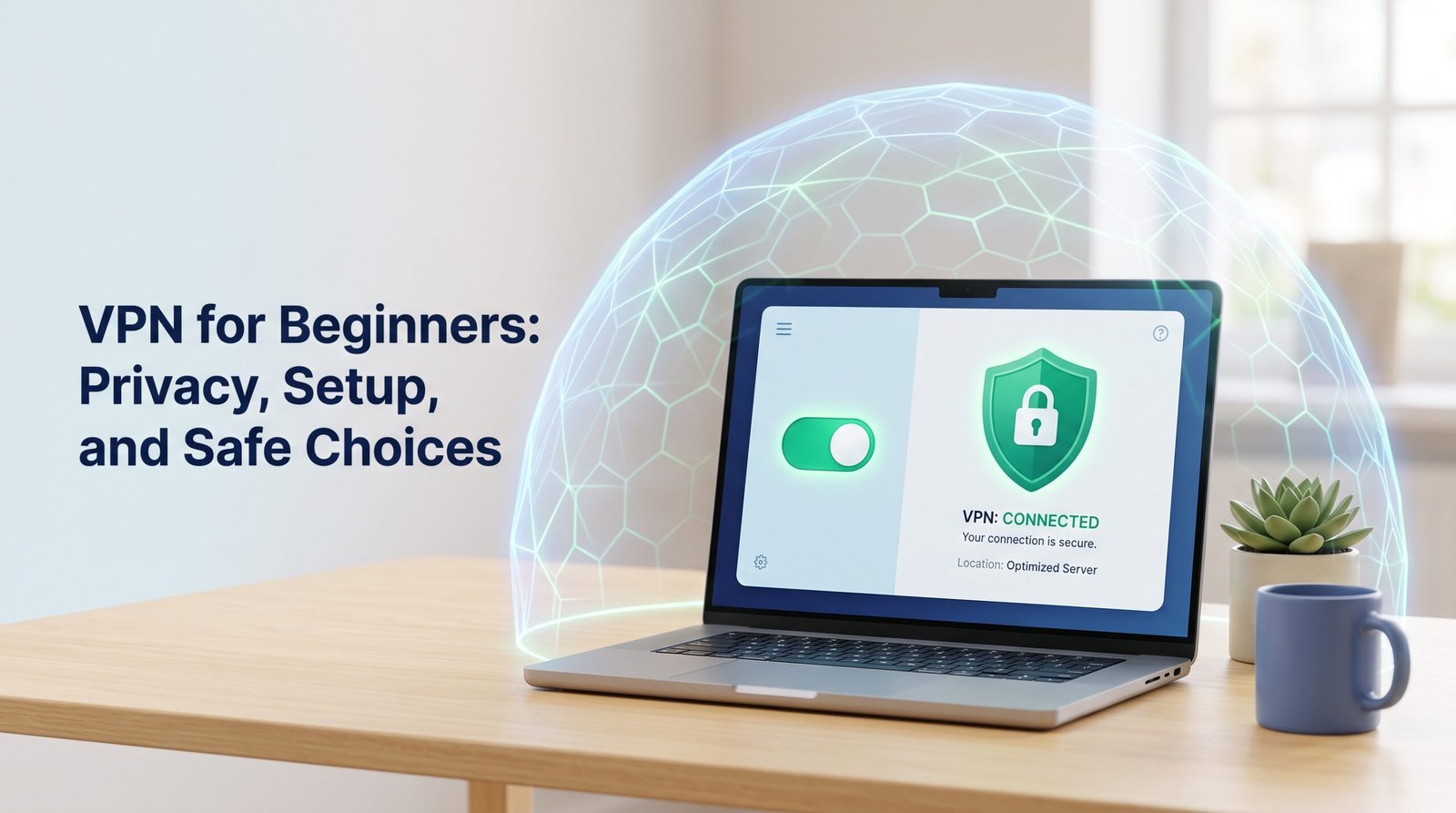
VPN for beginners, explained in plain English: what a VPN protects, what it can’t, how to choose a simple one, and how to set it up on your phone or computer.
VPN for Beginners: Privacy, Setup, and Safe Choices Read More »