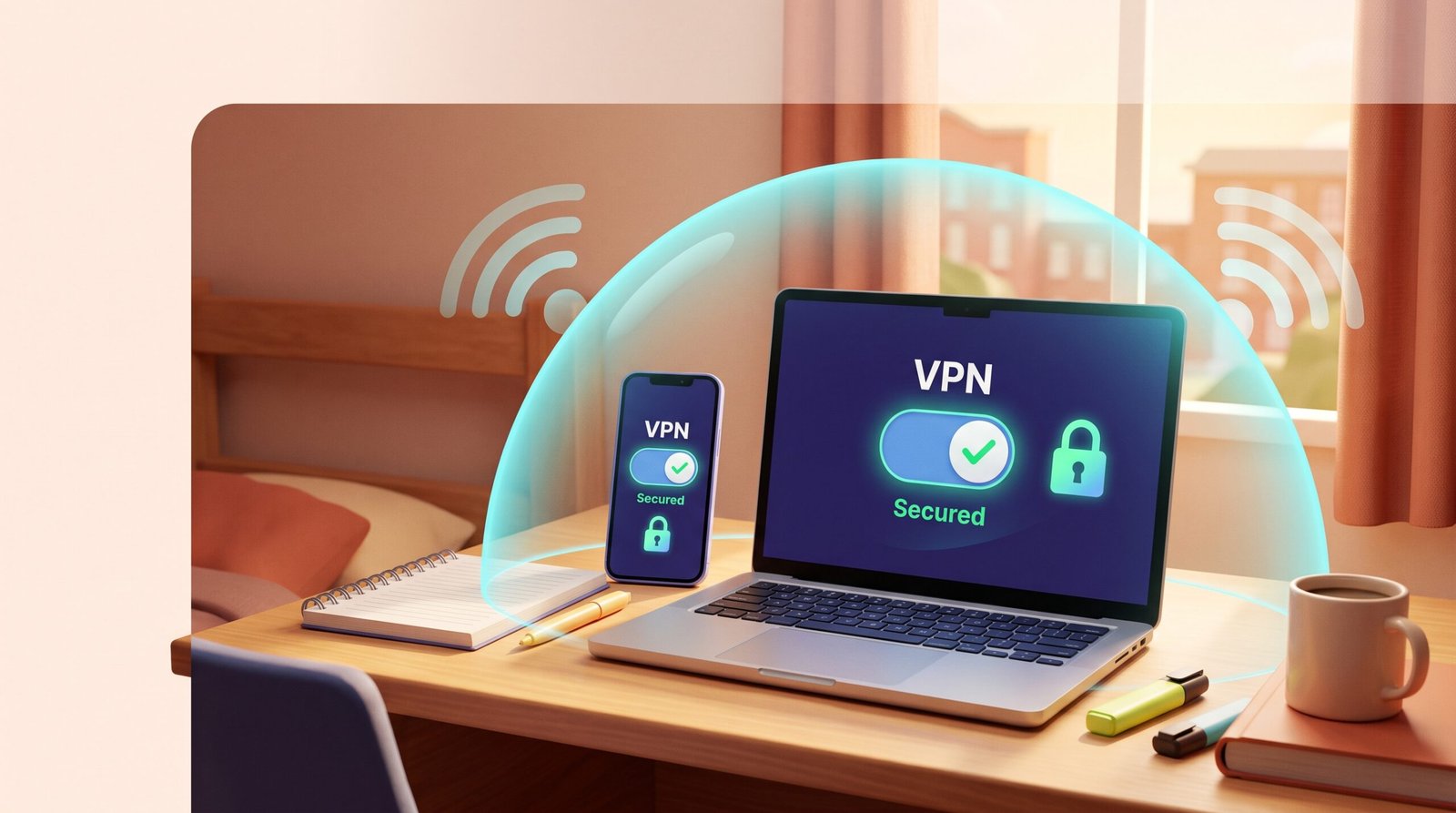
A dorm room puts you on the same network as hundreds of strangers for an entire semester, not just a quick coffee-shop visit. That long exposure is exactly why a VPN for dorm Wi-Fi matters more than it would on a network you only touch once. A VPN, short for virtual private network, wraps your internet traffic in an encrypted tunnel so the people and systems on that shared network can’t easily read what you send.
A VPN for dorm Wi-Fi is worth setting up because it hides your browsing from the dorm network and its operator, without pretending to solve every risk you face on campus. It won’t stop a phishing email or a weak password from causing damage. It does close a specific, real gap: the visibility that comes from sharing a router with an entire floor.
This guide covers what encryption actually hides, how to pick an affordable VPN as a student, and how to set one up on a laptop and phone using the free WireGuard app.
What Does a VPN for dorm Wi-Fi Protect?
A VPN for dorm Wi-Fi protects the contents of your traffic from other people on the same dorm network and from the network operator itself, by routing it through an encrypted connection to a server you choose. It does not make you invisible online, and it does not fix every privacy risk that comes with shared housing.
Why Is Shared Dorm Wi-Fi a Privacy Concern?
A dorm network is a long-term, high-density environment. You’re connected to campus Wi-Fi for months, alongside a large, semi-fixed group of people living in the same building.
That combination matters. A short public Wi-Fi session at a cafe exposes you briefly. A dorm network sees you every day, which raises the stakes on network-level privacy compared with a quick stop somewhere else.
University IT departments also tend to monitor dorm traffic more closely than a typical public hotspot, often for bandwidth management and to enforce acceptable-use policies. Network administrators frequently rely on DNS filtering to restrict domains and apply deep packet inspection to analyze unencrypted data patterns.
An encrypted connection through a VPN keeps the specific sites and services you use from being visible to that monitoring at the network level, as described in a breakdown of dorm Wi-Fi privacy settings.
What Can the Network Operator Still See?
Without a VPN, the network operator can typically see which sites and services you connect to, even when the content of your traffic is encrypted by the site itself. A VPN shifts that visibility away from the dorm network and toward the VPN provider you’ve chosen, which is why picking a trustworthy provider matters as much as installing one, according to a campus Wi-Fi security walkthrough.
With a VPN active, the network operator generally sees only that you’re connected to a VPN server, not the individual sites or apps behind that connection.
Most trusted vpn protocols use AES-256 or ChaCha20 standards to protect your data from snooping. Utilizing robust AES-256 encryption ensures that eavesdroppers on the network cannot inspect your browsing.
If a school firewall tries to block connections, obfuscated servers help disguise the encrypted packets as regular web traffic. Technologies like Shadowsocks, stealth obfuscation, and a stealth protocol help bypass strict campus filters.
Similarly, features like NoBorders, specifically NoBorders mode on Surfshark, automatically detect network interference and configure working pathways around local blocks.
What Won’t a VPN Protect Against?
A VPN encrypts data in transit. It does not stop you from clicking a phishing link, installing malware, or typing your password into a fake login page.
It also won’t protect a device that’s physically accessible to a roommate or hallmate. Screen locks, strong passwords, and account-level security matter just as much as network encryption in shared housing.
How Do You Choose a VPN on a Student Budget?
Choosing an effective vpn for students requires balancing cost, speed, and privacy. Finding the best vpn for school wi-fi or dorm living means picking a service that bypasses restrictions without breaking your budget.
The most practical VPN for dorm Wi-Fi on a student budget is a low-cost, month-to-month plan that supports WireGuard and publishes a clear no-logs policy. You don’t need the most expensive plan on the market to get solid protection.
Compare Monthly Costs Without a Long Contract
Look for a provider billed month to month, so you’re not locked into a year or two of payments for a service you might not need after graduation. A plan you can cancel anytime fits a student budget better than a discounted multi-year contract that’s hard to exit.
When searching for the best vpn for school wifi, many users evaluate well-known services like ExpressVPN, NordVPN, and Surfshark for their speed and network size.
ExpressVPN features its proprietary Lightway protocol, engineered for quick, stable connections on erratic dorm signals. Meanwhile, NordVPN offers tools like NordWhisper, with the NordWhisper protocol specifically tuned to navigate restricted campus networks.
Other popular alternatives like Proton VPN (also known as ProtonVPN), Private Internet Access (popularly called PIA), CyberGhost, and PureVPN offer competitive student pricing and multi-device support. Selecting a reliable vpn for school wi-fi comes down to whether you prefer an all-in-one commercial client or a lightweight WireGuard config.
Look for WireGuard and a Clear No-Logs Policy
The WireGuard protocol is a modern standard known for being fast and lightweight compared with older protocols. Choosing a school VPN built on WireGuard helps preserve battery life and processing power on phones and laptops.
Pair this protocol with a verified no-logs policy, a provider’s written commitment not to record your browsing activity. This ensures that the trust you place in the service is clearly documented rather than assumed.
Be cautious when searching for a free VPN for school. While ProtonVPN is frequently recommended as the best free VPN for school due to its unmetered free tier, many other free options monetize your activity.
Running secure servers costs money, and unreliable free tools often cover that expense by logging or selling your data. Weigh that trade-off carefully before installing anything on a personal device, per guidance on choosing a trustworthy student VPN.
Check Device Support and the School’s Acceptable Use Policy
Confirm the VPN works across your personal devices, laptop, phone, and tablet, under one account. Also check your school’s acceptable use policy before installing anything.
Some campus networks restrict VPN use on university-managed equipment or place limits on personal devices. Trying to configure a VPN on a school computer can run into administrative restrictions. Following campus network policies protects you from unintended violations of terms you agreed to at move-in.
How Do You Set Up Privacy Protection on a Laptop and Phone?
Setting up a VPN for dorm Wi-Fi takes a few minutes on each device: install the app, sign in, and turn on always-on protection so it doesn’t depend on remembering to connect. The steps are similar on a laptop and phone, with small differences worth knowing.
Install and Connect on Your Personal Devices
Download the VPN app from the provider’s official website or your device’s app store, never from a random link. On a laptop, open the app, sign in, and choose a server, often with a single connect button.
On a phone, install from Google Play or the App Store, sign in, and approve the one-time permission prompt asking to add a VPN configuration. That prompt won’t reappear once approved.
Use the Official WireGuard App with a QR Code or Setup File
If your provider issues a WireGuard configuration instead of its own branded app, you can use the free official WireGuard app to connect. Scan the QR code your provider gives you, or import the setup file it provides, and the app builds the encrypted tunnel automatically.
This method works well on both laptops and phones, and it keeps the setup lightweight since the official WireGuard app is built specifically for that one protocol.
Check That the Connection Stays Active
Turn on always-on VPN in your device settings so protection applies automatically every time you join the dorm network, rather than depending on you remembering to tap connect. On Android, this setting can also block internet traffic if the VPN drops unexpectedly, which prevents your activity from briefly leaking onto the open network.
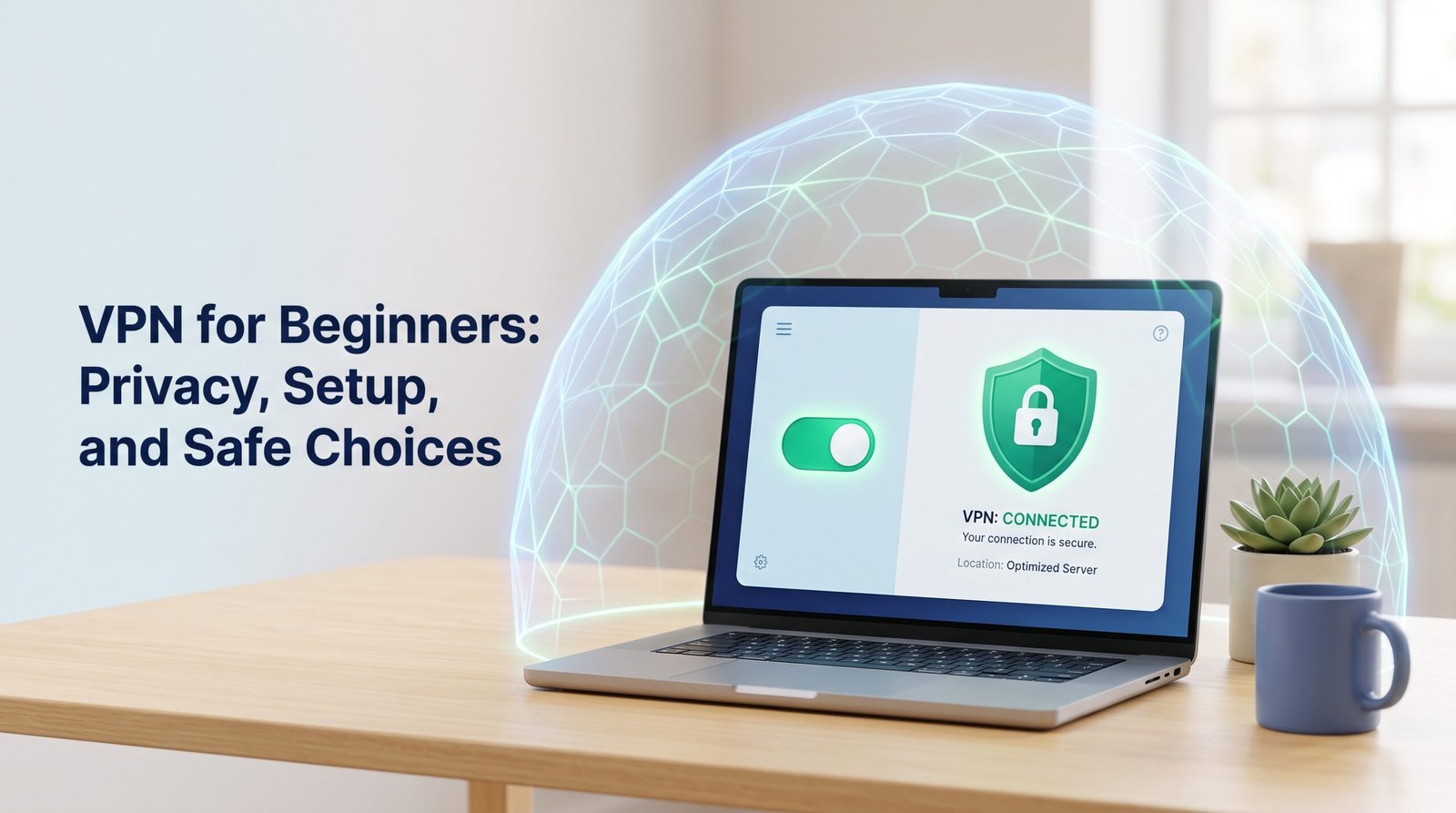
Glance at the app’s status indicator before logging into anything sensitive. A clear “Connected” label with a server name confirms the tunnel is actually up.
How Can You Keep the Connection Reliable on Crowded Wi-Fi?
A VPN for dorm Wi-Fi stays reliable when you pick a nearby server and understand that it cannot add bandwidth to a congested network. Dorm Wi-Fi slows down at predictable times, evenings, weekends, and big release nights, and a VPN doesn’t change how much total bandwidth is available in the building.
Choose a Nearby Server and Check Your Connection
Pick a server that’s geographically close to you rather than one on the other side of the country. A nearby server usually means less added latency, the delay between sending a request and getting a response, which matters for both streaming and video calls.
If a connection feels slow, check whether switching to a different nearby server helps before assuming the VPN itself is the problem.
Know What a VPN Cannot Fix About Dorm Congestion
A VPN does not create bandwidth that isn’t there. When hundreds of students are streaming or gaming at once, encryption alone won’t undo a genuinely overloaded network.
What a VPN can address is a narrower issue: some campus networks apply bandwidth management policies that specifically slow down certain traffic types, like large downloads or streaming, as described in an explainer on dorm network behavior. Encrypting that traffic can prevent it from being singled out for that kind of throttling, though it won’t fix congestion caused by sheer volume of users.
What Else Should Be on Your Dorm Wi-Fi Safety Checklist?
A complete dorm Wi-Fi safety checklist covers device updates, multi-factor authentication, file sharing settings, and awareness of what a VPN can and can’t do on school-issued equipment. Encryption is one layer of protection, and it works best alongside a few habits that take just a few minutes to set up.
Update Devices and Secure Accounts with MFA
Keep your laptop and phone operating systems updated, since updates often patch security flaws that attackers use to gain access. Turn on multi-factor authentication (MFA), a login step that requires a second form of verification beyond your password, on your email, banking, and student portal accounts.
A password manager, a tool that generates and stores strong, unique passwords for each account, reduces the risk of one reused password compromising multiple accounts.
Turn Off File Sharing and Review Printers and Smart Devices
Disable file sharing settings on your laptop when connected to dorm Wi-Fi, since a shared network can otherwise expose folders you meant to keep private. Review any smart devices or printers you bring into your room, and check their default settings.
Many smart devices ship with default passwords or open sharing settings that aren’t appropriate for a network shared with strangers.
Can You Use a VPN on a School-Issued Chromebook?
Installing a VPN on a personal device you own is generally straightforward. A school-issued Chromebook is different, since it’s managed and monitored by the university under its own policies.
Attempting to set up a VPN on a school computer often requires administrator privileges that students do not have. Even if you find a workaround, running an unauthorized VPN on a school computer can flag your profile on IT security dashboards.
Installing a VPN specifically to bypass that monitoring on university-managed equipment may violate the terms you agreed to when you received the device, regardless of whether it’s technically possible. Check your school’s acceptable use policy, or ask the IT help desk, before installing anything on a Chromebook or other device issued by the university.
Choose Privacy Tools That Fit Your Dorm Routine
A VPN for dorm Wi-Fi closes a specific gap: it hides your browsing from the shared network and its operator, without fixing phishing, malware, or weak passwords. Pair it with device updates, multi-factor authentication, and a password manager for a fuller picture of dorm safety.
Look for a provider with WireGuard support, a published no-logs policy, and a plan you can cancel without a long contract. VPNSoEasy.com fits that description for students who want a simple option, at $5 a month with no long-term contract, cancel-anytime billing, WireGuard encryption, and a strict no-logs policy.
Whatever you choose, confirm it works on your personal devices, respects your school’s acceptable use policy, and stays connected automatically so protection doesn’t depend on remembering to turn it on each day.