
The holiday season is finally here. It’s a time for gift-giving, visiting family, and finally catching up on your favorite shows. To navigate the digital landscape safely during this festive period, consider using a Holiday Digital Survival Guide. But while you’re busy booking flights and buying presents, hackers are working overtime.
December sees a massive spike in cybercrime, from fake shipping notifications to insecure airport Wi-Fi. It is the busiest time of year for digital thieves who know that our guards are down amidst the festive chaos.
This year, don’t let a data breach ruin your festivities. We’ve put together the ultimate Digital Survival Guide to help you secure your shopping, protect your new gadgets, and watch your home streaming libraries from anywhere in the world.
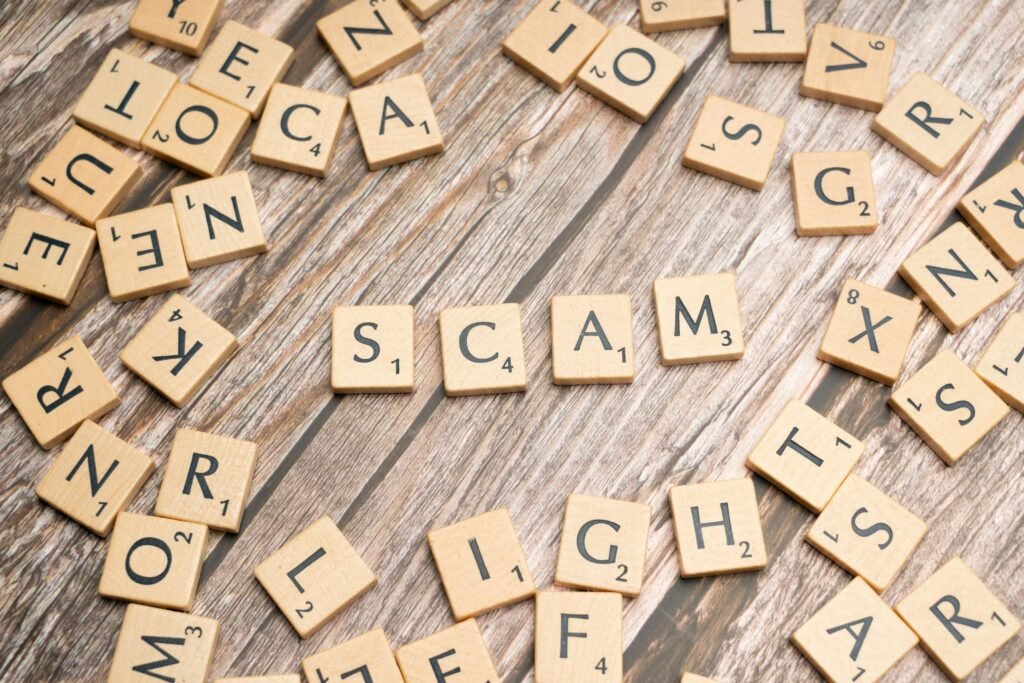
1. Shop Safely: Don’t Fall for Holiday Scams
Between Black Friday deals and the last-minute Christmas rush, your credit card gets a serious workout in December. Cybercriminals know this and flood inboxes with phishing emails and fake “delivery exception” texts designed to panic you into clicking malicious links.
The “Failed Delivery” Text Scam
One of the most common holiday scams involves a text message claiming a package couldn’t be delivered. It usually includes a link asking you to “confirm your address” or pay a small “redelivery fee.”
Before you click that link, pause. Legitimate carriers like UPS or FedEx will rarely text you from a random personal number.
- Learn More: How to Spot and Avoid Phishing Scams
Stop Ad Stalking
Ever notice how an item you looked at once follows you around the internet for weeks? Advertisers use aggressive tracking cookies during the holidays to build a profile on your spending habits.
2. Travel Security: Hacking-Proof Your Trip
Heading home for the holidays or taking a winter vacation? Public Wi-Fi at airports, hotels, and cafes is convenient, but it’s also a playground for hackers. These networks are often unencrypted, meaning anyone with basic software can intercept the data you send—including passwords and credit card numbers.
The Danger of “Free Airport Wi-Fi”
If you are working remotely while visiting family, or just checking your bank account from a hotel lobby, you generally shouldn’t trust the open network.
Using a VPN (Virtual Private Network) is the single most effective way to stay safe. It creates an encrypted tunnel for your data, making you invisible to snoopers on the same network.
- Essential Guide: Cybersecurity Tips for Travelers & Digital Nomads
- Deep Dive: Remote Work & Data Privacy: Staying Secure on the Go

3. Entertainment: Watch Your Favorite Movies from Abroad
There is nothing worse than getting to your hotel room overseas, logging into Netflix to relax, and realizing your favorite Christmas movie isn’t available in that country due to geo-blocks. Streaming services change their libraries based on your physical location.
How to Bypass Geo-Blocks
You don’t have to settle for local TV. By using a VPN, you can digitally “teleport” your device back home. This tricks streaming services into thinking you are still in your living room, unlocking your full library no matter where you are in the world.
- The How-To: Unlocking Netflix: How to Access Global Libraries
- Top Tools: Top 5 VPNs for Streaming in 2025
- Specific Help: How to Unblock Netflix Content with NordVPN
4. Smart Gifting: Secure Your New Gadgets Immediately
Did you unwrap a new Ring camera, a smart speaker, or a connected thermostat? “Internet of Things” (IoT) devices make great gifts, but they often come with weak default security settings that leave your home network vulnerable.
The “Default Password” Risk
Many smart devices come with default passwords (like “admin” or “1234”) that are publicly known to hackers. If you plug in a smart camera without changing these settings, you might inadvertently give strangers a window into your home.
Before you connect that new device to your Wi-Fi, take these steps to lock it down:
- Change the default password immediately.
- Enable Two-Factor Authentication (2FA) if the device supports it.
- Update the device’s firmware.
- Start Here: Protecting Your Smart Home: Vulnerabilities & Fixes
- Advanced Guide: A Comprehensive Guide to IoT Security
- Know the Risks: The Top 5 Threats to Internet of Things Devices
Conclusion
The holidays should be about relaxation, not recovering your identity or fighting with your bank over fraudulent charges. A few simple tools—a VPN, strong passwords, and awareness of phishing scams—are all you need to stay safe.
Enjoy the season, travel safely, and happy streaming!