Affiliate Disclosure: Our mission is to provide honest reviews and find the best tech deals. To support our work, VPNSoEasy.com participates in affiliate marketing programs. This means we may earn a small commission when you purchase products through our links, at no extra cost to yo
As the holiday decorations come down and we look toward 2026, many of us are making resolutions to eat healthier, exercise more, or save money. However, incorporating a digital declutter into our routines can significantly enhance our well-being. In an increasingly connected world, there is one resolution that often gets overlooked: your digital health.
Over the last year, you’ve likely signed up for dozens of newsletters, downloaded apps you used once, and saved countless files to your desktop. This “digital clutter” isn’t just annoying—it’s a security risk. Every unused account is a potential backdoor for hackers, and every unorganized folder makes it harder to spot missing data.
This January, take a weekend to perform a “Digital Declutter.” Here are 5 simple privacy resolutions to start 2026 securely.
1. Purge Unused Apps and “Zombie” Accounts
We all have them: the fitness app we downloaded in February, the shopping account we made for a one-time discount, or the old social media profile we haven’t touched in years. Initiating a digital declutter by removing these accounts can enhance your online security.
These are known as “Zombie Accounts.” They sit dormant, but they still hold your personal data (email, DOB, potentially credit card info). If that service suffers a data breach, your information gets leaked, and you might not even notice because you stopped checking that account years ago.
The Resolution:
- Go through your phone and delete any app you haven’t opened in 6 months.
- Search your email inbox for “Verify your account” or “Welcome to” to find old sign-ups.
- Close these accounts permanently using their “Delete Account” settings.
2. Upgrade to a Password Manager (Finally)
If you are still using the same password for multiple sites, or relying on variations of “Password123!”, 2026 is the year to stop. Credential stuffing attacks are on the rise, and a single leaked password can compromise your entire digital life. Amidst this, conducting a digital declutter to organize your credentials can be invaluable.
The Resolution:
- Commit to using unique, complex passwords for every single account.
- Since you can’t remember them all, use a Password Manager.
- Read More: Strong Passwords: Your First Line of Defense
3. Audit Your “Authorized Apps”

Over the years, you have likely used your Google, Facebook, or Apple account to “Sign in” to third-party services. This grants those services access to your data. Even if you stop using the service, that permission often remains active indefinitely. Consider a digital declutter strategy to review these permissions.
The Resolution:
- Google: Go to Account > Security > Your connections to third-party apps and services.
- Facebook: Go to Settings > Apps and Websites.
- Twitter/X: Go to Settings > Security and account access > Apps and sessions.
- Revoke access for anything you don’t recognize or use anymore.
4. Establish a 3-2-1 Backup Strategy

Ransomware doesn’t take a holiday break. If your laptop crashed today, or if you were locked out by malware, would you lose your photos and documents? A digital declutter is the perfect time to organize and back up your files, ensuring that you follow a practical backup strategy.
The Resolution:
Follow the 3-2-1 Rule:
- 3 copies of your data.
- 2 different media types (e.g., your laptop drive and an external hard drive).
- 1 copy offsite (Cloud storage).
If you are a remote worker, secure cloud storage is non-negotiable.
- Learn More: Secure Cloud Storage for Remote Workers
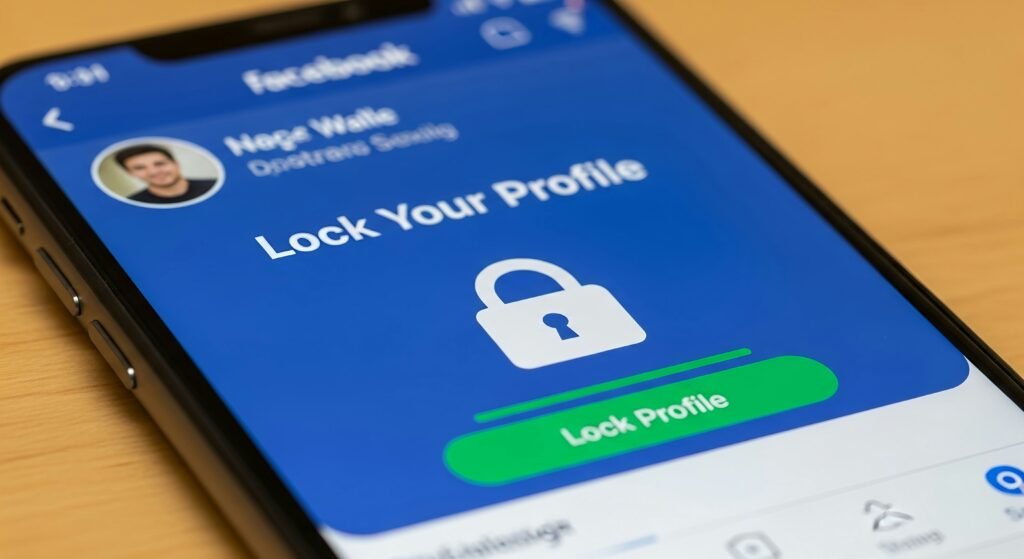
5. Tighten Your Social Privacy Settings
Social media platforms update their privacy policies and settings constantly. Features that were private last year might be public now by default, making a digital declutter of your accounts essential to safeguarding your privacy.
The Resolution:
- Check who can see your posts (Friends vs. Public).
- Turn off location tracking for posts.
- Review your “ad preferences” to see what data is being collected on you.
- Deep Dive: Stop Online Data Tracking
Conclusion
A digital declutter doesn’t have to be overwhelming. By tackling just one of these tasks each weekend in January, you can significantly reduce your attack surface and start 2026 with peace of mind.
Ready to get serious about security? Start by auditing your passwords today.