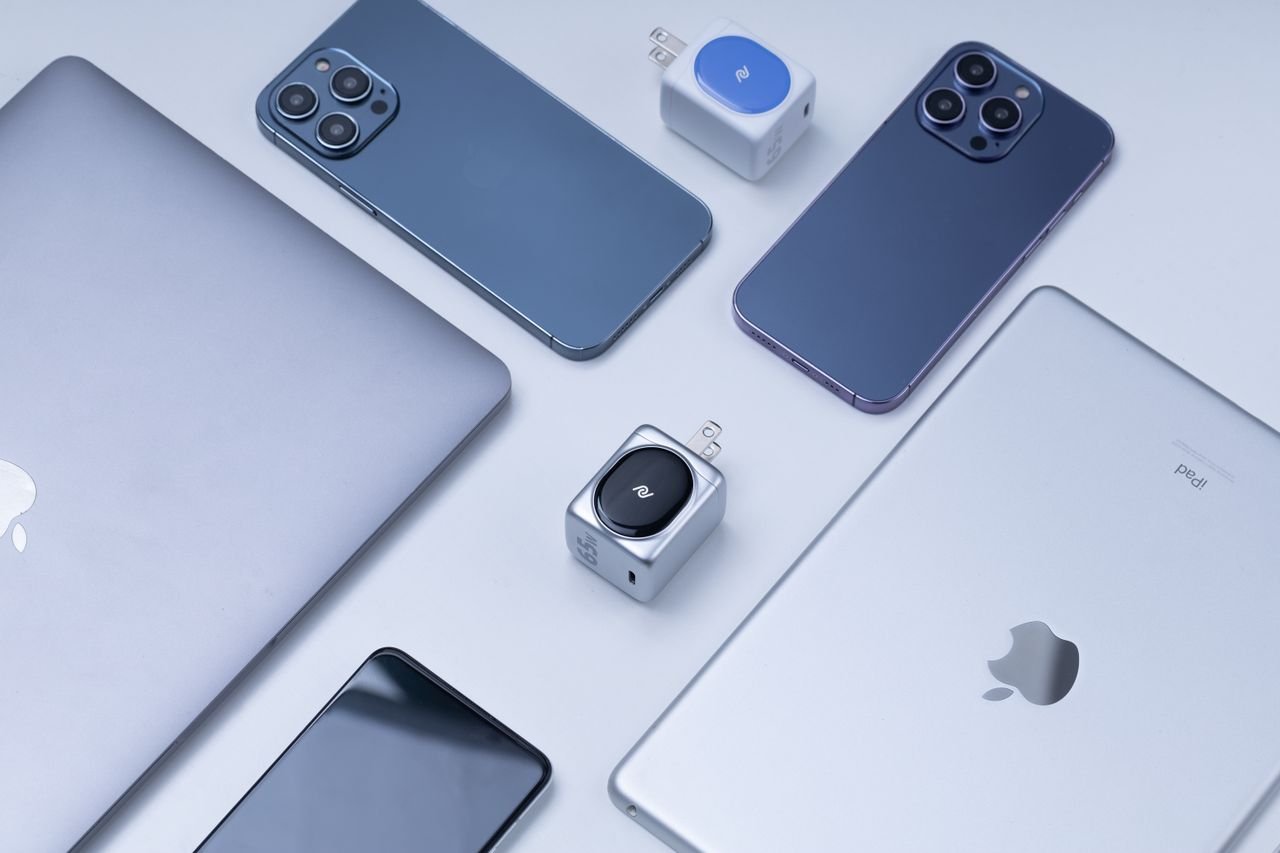
A VPN for multiple devices lets you protect several computers and mobile devices with one account, up to the provider’s simultaneous-connection limit. VPNSoEasy offers one $5-per-month plan with no contract and coverage for up to 10 devices at once.
Count the devices that connect away from home first, then include the ones that stay on your home network. Setup is straightforward: install the VPNClient app on each device from its app store, sign in, and connect.
Key Takeaways
- Count devices that connect at the same time, starting with those used on unfamiliar networks.
- Set up each device by installing the VPNClient app and signing in with your account.
- Check simultaneous-device limits and plan terms before paying.
How a VPN for Multiple Devices Counts Connections
A VPN counts the number of devices connected to its service at the same time, as defined by your plan. That limit determines whether your devices can stay protected concurrently under one account.
What Does “Simultaneous Connections” Mean?
A simultaneous connection is an active VPN connection from a device to the VPN service. You can install a VPN app on more devices than your plan allows to connect at once, but only the permitted number can connect concurrently.
For example, if your plan covers 10 simultaneous VPN connections, 10 devices can use the service at once. The limit applies to concurrent traffic, not the total number of devices you own.
Connection allowances vary across the market, ranging from a handful of devices to unlimited simultaneous connections.
Check how a provider counts connections before signing up. Some services count router connections as a single device, while others have specific restrictions for shared hardware.
What Happens When You Reach the Device Limit?
When an account reaches its simultaneous-connection limit, an additional device may be blocked from connecting until an active session ends. The exact behavior depends on the provider’s connection rules.
To free a slot, disconnect a device you are no longer using. If your household regularly hits the cap, you may need a plan with a higher allowance.
Which Devices Should You Count First?
Start with devices that connect away from your home network, then add the devices you want protected at home. This gives you an accurate count of how many connections you need at peak times.
Start With Devices Used Away From Home
List the devices you carry to work, take while traveling, or connect to public Wi-Fi. A phone and laptop that both stay connected count as two active connections, even when used by the same person.
Next, account for devices used simultaneously by others in your household. If multiple people stream media, browse, or work online at the same time, each active device counts toward the total.
A VPN encrypts traffic between your device and the VPN server and hides your IP address from websites and the local network. It does not protect you from every online threat, such as malware or entering credentials on phishing sites. Keep device software current and use separate security tools where appropriate.
Include Phones, Computers, and Tablets
Include each phone, computer, and tablet you expect to connect at the same time. Consider everyday overlap, such as using a phone while working on a laptop.
Make a quick inventory of your hardware and typical usage hours. This prevents paying for more capacity than you need or running out of connections during the day.
How Do You Set Up the VPN on Each Device?
Connecting multiple devices does not require complex configuration files. With VPNSoEasy, setup takes only a few steps on each screen.
First, download the VPNClient app from your device’s app store. The app handles connection settings automatically.
Next, open the app and sign in with your VPNSoEasy account details. Once signed in, connect to activate the VPN tunnel.
Repeat this process on each phone, tablet, or computer you want to protect. You can sign in on all your devices up to your plan’s simultaneous-connection limit.
Can a VPN Router Cover Devices Without an App?
Some routers can route network traffic through a VPN tunnel. This can protect devices that do not support native VPN apps, such as certain smart TVs or gaming consoles.
Considerations for Router Connections
Router-level coverage depends on your hardware and whether a VPN provider supports router setups. You must confirm whether your router firmware supports VPN client mode, and check whether your provider permits router configurations.
Providers also differ in how they count a router against simultaneous-device limits. Some count the router as a single connection, while others do not support routers at all.
Why Router Setup Takes Technical Know-How
Configuring a router requires manual adjustment in the router’s administrative settings. The setup varies significantly across firmware and hardware models.
If settings are misconfigured, your entire local network can lose internet access. Always save a backup of your original router configuration before making changes.
What Should You Check Before Paying for a VPN?
Before purchasing a subscription, look past promotional pricing to confirm connection limits, platform support, and contract requirements.
Look Beyond the Monthly Price to Device Limits and Terms
Check how many devices can connect at once and whether apps are available for your operating systems. A low advertised rate may require a multi-year contract or renew at a significantly higher price.
Review the provider’s cancellation process. A clear cancellation route, such as a single email, is simpler than submitting support tickets or navigating automated retention offers.
Examine how easily you can manage active devices. Services that allow direct app sign-ins avoid the hassle of managing individual manual configuration profiles across devices.
Where VPNSoEasy Fits: One Plan for Up to 10 Devices
VPNSoEasy offers one plan for $5 per month with no contract; you can cancel anytime by emailing info@vpnsoeasy.com and keep access until the end of your billing period. It covers up to 10 devices connected at the same time.
Setup uses the VPNClient app downloaded directly from your device’s app store. With support for 10 concurrent connections, the plan covers a household or an individual with multiple computers, phones, and tablets.
Match Your Plan to Your Everyday Devices
Choose a plan whose simultaneous-connection limit covers the devices your household uses together. Count portable devices first, then add the computers and tablets you use at home.
If your peak usage fits within 10 devices, VPNSoEasy provides flexible, contract-free coverage for $5 per month using the dedicated VPNClient app.
Frequently Asked Questions
What is the best VPN for multiple devices?
The best VPN for multiple devices fits your specific device count and budget without locking you into long contracts. VPNSoEasy covers up to 10 devices simultaneously for $5 per month with self-service cancellation.
Can I use a VPN on multiple devices at the same time?
Yes, as long as your total active connections stay within your plan’s limit. Once you hit the cap, you must disconnect an active device before connecting a new one.
How many devices should I include in my VPN plan?
Count the devices that connect concurrently, focusing first on devices used on mobile and public networks. Then add household devices that remain active at the same time.
How do I set up a VPN on multiple devices?
Download the VPNClient app from your device’s app store, sign in with your VPNSoEasy account, and tap connect. Repeat this on each device you want to protect.
Do I need separate configuration files for each device?
No. VPNSoEasy does not use manual configuration files. You simply log in to the official VPNClient app on each device using your account credentials.
Can a VPN router cover devices without VPN apps?
A router configured as a VPN client can send local network traffic through a VPN, covering devices that cannot run apps. However, you must verify whether your provider supports router setups and whether your router hardware is compatible.