Understanding Common Smart Home Vulnerabilities
As smart home technology continues to spread, it’s vital to understand the weaknesses that often come with these devices. Security risks with connected devices can stem from several factors. These include weak default passwords, old firmware, and insecure network setups. Each of these smart home vulnerabilities creates chances for cybercriminals. They might exploit personal data or gain unauthorized access to home networks.
Weak default passwords are one of the most common smart home vulnerabilities. Manufacturers often set basic passwords that are easy to guess or widely known. For example, many Wi-Fi cameras and smart locks ship with default logins like “admin” or “123456.” If users don’t change these passwords, their devices become easy targets for hackers trying to enter their smart home environment.
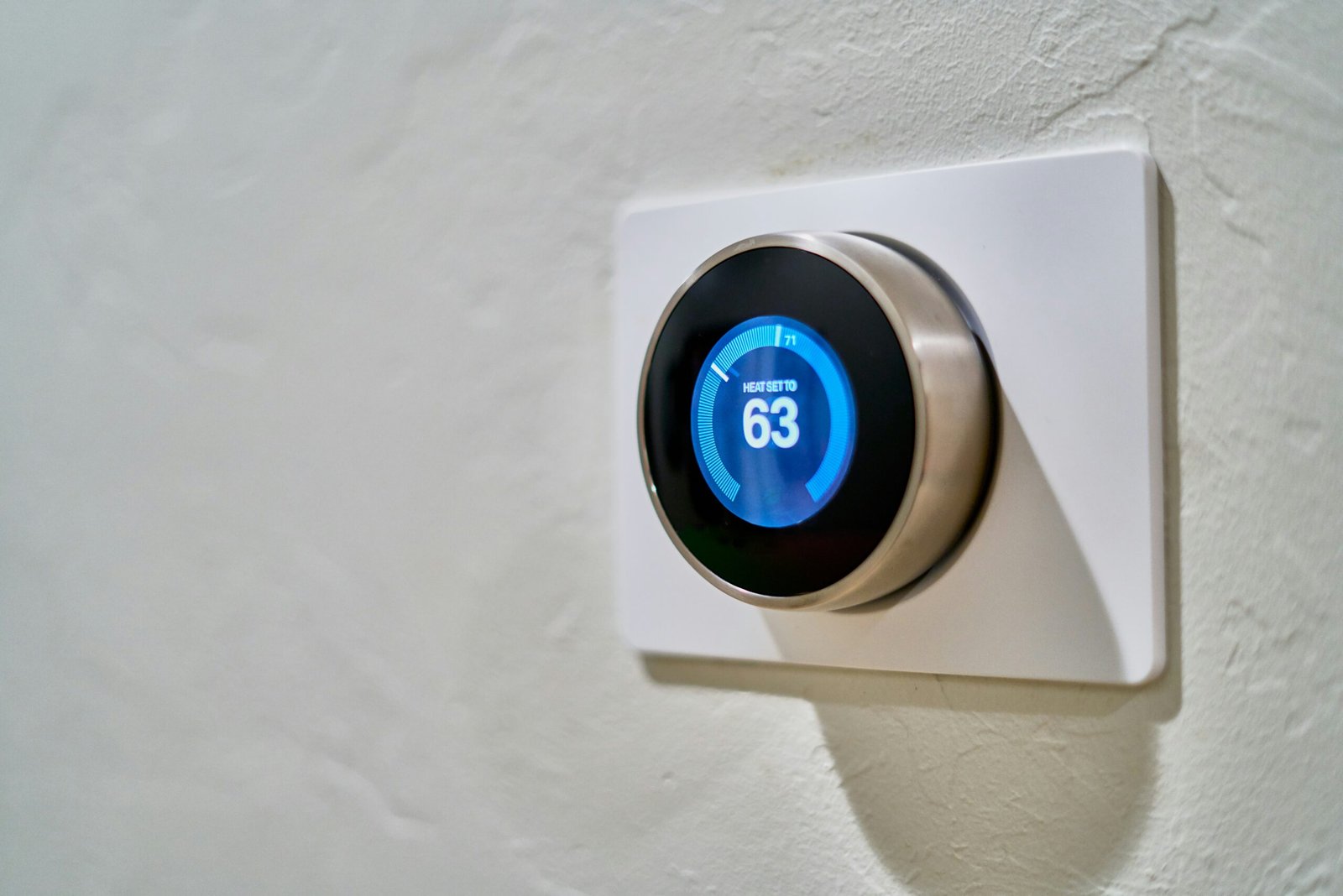
Old firmware presents another major risk to smart home security. Device makers regularly release updates to fix security flaws and improve features. However, many users fail to install these updates. This leaves their devices open to attack. For example, a smart thermostat without updates might still have security holes attackers could access. Keeping firmware current is therefore essential for strong security.
Insecure network setups make smart home vulnerabilities even worse. Many users don’t secure their home Wi-Fi networks properly. They might also fail to use network segmentation, giving potential intruders easier access. Poor encryption on home networks can allow unauthorized entry into connected devices. By fully understanding these weaknesses, users can take big steps toward strengthening their smart home security.
Firmware Updates: Reducing Smart Home Vulnerabilities
Regular firmware updates are key to improving device security in the smart home world. Firmware is the low-level software running on your smart devices. It’s crucial for their function and performance. Manufacturers often find security weaknesses after releasing a device. This discovery prompts the need for regular firmware updates. These updates remove threats and boost protection against potential exploits.
To properly secure your smart home, stay informed about firmware updates. Device makers typically notify users about new updates. Users should also check for updates manually on a regular basis. You can often do this through the device’s app, web portal, or related software. Enabling automatic updates is also highly recommended when possible. Auto-updates ensure your devices get the latest security patches without needing your constant attention.
Failing to apply firmware updates puts your smart home at significant risk. Cybercriminals often target known weaknesses that updates have already fixed. An unpatched device becomes an entry point for unauthorized access. This threatens not just one device, but the entire smart home system. Making firmware checks and updates a routine is thus a critical part of maintaining smart home security. These updates directly address many smart home vulnerabilities.
In short, regular firmware updates are extremely important. Proactively managing updates strengthens your smart home defenses. This practice improves individual device security and fortifies your overall smart home network against emerging threats.
Securing Access: Mitigating Smart Home Vulnerabilities
As smart home devices become more common, securing these Internet of Things (IoT) devices is essential. A basic step in smart home security is creating strong, unique passwords for each device. Passwords should be long (at least 12 characters). They should mix upper and lower case letters, numbers, and special symbols. This approach makes brute-force attacks much harder for unauthorized users.
Using Strong Authentication
Besides strong passwords, enable two-factor authentication (2FA) where available. This adds an extra security layer. It requires your password plus a second verification step, like a code sent to your phone. Using 2FA means even if someone steals your password, the second step can block intruders from your smart home system.
Configuring Network Security
Setting up network rules to limit access is vital for protecting IoT devices. Ensure your home router uses the latest encryption, such as WPA3, to protect your network. Also, turning off features like Universal Plug and Play (UPnP) can lower exposure to potential threats. Consider creating a separate network just for smart devices. This isolation reduces risks if malware infects one device or if a device is compromised. It ensures safer management of your smart home tech and helps contain potential smart home vulnerabilities.
Lastly, regularly update your IoT device firmware. Manufacturers release updates that fix weaknesses, greatly improving security. Staying proactive with device management helps maintain secure access. It also builds a safer smart home environment overall. Build this into your overall security toolkit.
Disabling Features to Reduce Smart Home Vulnerabilities
As smart home technology advances, protecting these devices is more critical than ever. One good way to boost security is by turning off unneeded features. These features might expose your system to weaknesses. Smart devices often have many functions for a better user experience. However, not all are essential for the device’s main job. Turning off extra features can greatly reduce potential entry points for cyber attacks and limit smart home vulnerabilities.
Risks of Default Features
Some default settings create unnecessary risks. Carefully review what features are active when you set up a new device.
Focus on UPnP Risks
A common risky feature is Universal Plug and Play (UPnP). UPnP helps devices connect easily. But, it can also accidentally open your network to unwanted access. When UPnP is on, devices on your network can find and talk to each other automatically. This could give attackers a path into your smart home system. Turning off UPnP in your router settings is a wise step for better home security. You can find more details about UPnP risks from various security sources online.
Reviewing Remote Access and Location Services
Remote access is another feature to check. Many smart devices let you control them from outside your home network. This is convenient but can make devices easier targets if not secured well. If you rarely use remote access, consider turning it off. Use local control or schedules instead. Location services also need review; they can reveal sensitive data about your routines and location. Turning off location services helps protect privacy and reduces tracking risks.
Consider making a checklist for device settings. Use it during setup and for regular checks. This list should include turning off UPnP, remote access, and location services unless truly needed. Taking these proactive steps lets users customize devices for much better security. It builds strength against potential cyber threats and common smart home vulnerabilities.