The Importance of Two-Factor Authentication
What is the reason behind the significance of authentication?
I’ve seen firsthand how crucial two-factor authentication (2FA) has become in our digital world. Let me explain why: our traditional passwords just aren’t enough anymore. Cybercriminals are getting smarter, using sophisticated techniques like phishing and brute-force attacks to crack our defenses. That’s why I always recommend adding that second layer of security. Think of it like this – when I verify my identity using both my password and a code sent to my phone, I’m essentially double-locking my digital front door. I’ve noticed that this extra step does more than just protect our accounts. It’s actually helping create a security-minded culture among users. When I see my friends and colleagues adopting 2FA, I know we’re all taking steps toward a safer online environment.
Basic Concept and Working Principle of 2FA
Let me break down how dual-factor security works. When I log into my accounts, I need two different types of proof that I am who I say I am. First, I enter something I know (like my password). Then, I provide something I have (such as my phone) or something unique to me (like my fingerprint). This two-step approach makes it much harder for anyone to break in.
Hardware security keys, like YubiKey, take security to the next level by requiring physical interaction with a device. Users must insert the key into a USB port or tap it against a compatible device. This method is extremely resistant to phishing and other remote attacks, providing a robust layer of security.
Biometric Authentication Options
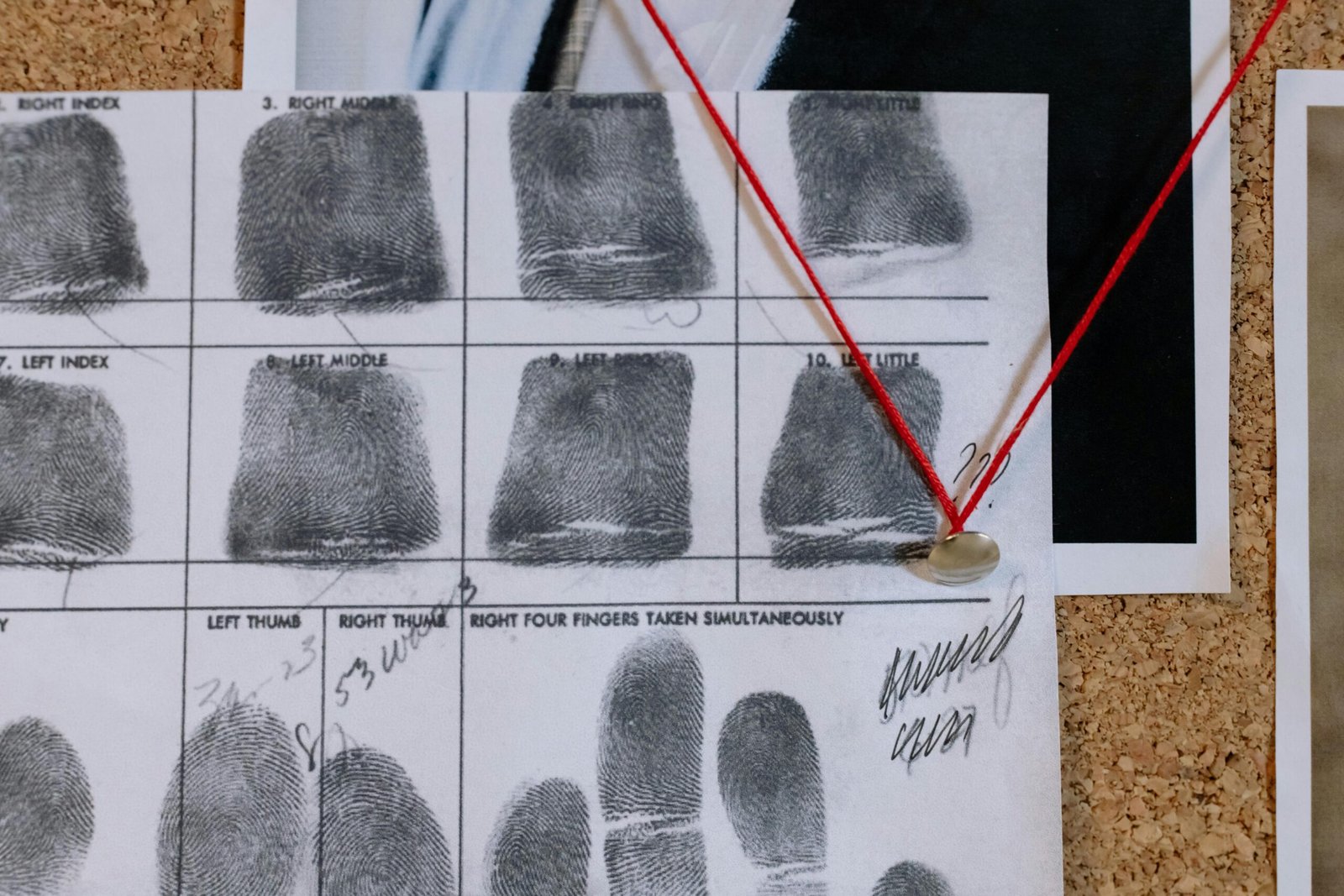
Biometric authentication methods, such as fingerprint scans or facial recognition, use unique physical characteristics to verify a user’s identity. These options are gaining popularity due to their convenience and high level of security. Since biometric data is difficult to replicate, it provides a strong defense against unauthorized access.
Although highly secure, biometric methods are not entirely foolproof. There are concerns regarding privacy and the potential for biometric data to be stolen or misused. Furthermore, not all devices support biometric authentication, which may limit its applicability for some users.
As you consider various 2FA methods, it is important to balance security with convenience. Understanding the strengths and limitations of each option will help you make an informed decision for protecting your digital assets.
Setting Up 2FA on Popular Platforms
Enabling 2FA on Major Social Media Platforms
Two-factor authentication (2FA) serves as a robust security measure for social media accounts, reducing the risk of unauthorized access. Follow these steps to enable 2FA on major platforms:
- Go to Facebook and log into your account.
- Click the drop-down arrow at the top-right corner and select “Settings & Privacy.”
- Navigate to “Security and Login,” then scroll down to “Two-Factor Authentication.”
- Click “Edit” and choose your desired security method (e.g., SMS or authenticator app).
- Follow on-screen instructions to complete the setup process.
Twitter/X
- Log into your Twitter account.
- Click on “More” from the left-hand menu, then select “Settings and Privacy.”
- Go to “Security and account access” and click on “Two-factor authentication.”
- Choose your preferred 2FA method and follow the instructions to activate it.
- Open the Instagram app and go to your profile.
- Tap on the hamburger menu and select “Settings.”
- Tap “Security,” then “Two-Factor Authentication.”
- Select “Get Started,” then choose either SMS or an authenticator app. Follow the prompts to enable 2FA.
Implementing 2FA for Email Accounts and Cloud Storage Services
Securing your email and cloud storage accounts with 2FA is crucial due to the sensitive nature of the information they hold.
Google/Gmail
- Sign in to your Google Account.
- Navigate to “Security” in the left-hand menu.
- Under “Signing in to Google,” select “2-Step Verification.”
- Click “Get Started” and follow the prompts to choose your verification method and complete the setup.
Microsoft/Outlook
- Log into your Microsoft Account.
- Go to “Security” and select “More security options.”
- Under “Two-step verification,” click “Set up two-step verification.”
- Follow the on-screen instructions to activate 2FA through your preferred method.
Dropbox
- Log into your Dropbox account.
- Go to “Settings” and select the “Security” tab.
- Scroll to “Two-step verification” and click “Enable.”
- Choose either text message or an authenticator app for verification and follow the steps to complete the process.
Best Practices for Managing Multiple 2FA-Enabled Accounts
To simplify the management of multiple 2FA-enabled accounts, consider the following best practices:
- Use an Authenticator App: Authenticator apps like Google Authenticator or Authy help manage multiple 2FA accounts in one place.
- Backup Codes: Generate and securely store backup codes for each account in the event you lose access to your primary 2FA method.
- Consistent Method: Aim to standardize your 2FA method across all accounts. For instance, if you prefer using an authenticator app, utilize it for all accounts that support this feature.
- Regularly Update: Ensure your contact information and backup methods are up to date on each platform.
By following these steps and best practices, you’ll upgrade your account security effectively, helping safeguard your digital life against potential threats and breaches.
Choosing the Right 2FA Method
Factors to Consider When Selecting Authentication Methods
When choosing the optimal two-factor authentication (2FA) method, several factors should be weighed. First, consider the sensitivity of the information being protected. Highly sensitive data, such as financial information or personal identity details, necessitates robust 2FA methods like hardware security keys or biometric authentication. Meanwhile, for less sensitive data, SMS or email verification might suffice.
Another important factor is accessibility. Users must ensure that the chosen 2FA method is easily accessible and practical for everyday use. For instance, biometric authentication offers ease and speed but requires compatible hardware. Similarly, authenticator apps provide strong security, but users must have their smartphone available at all times.
Lastly, consider the potential threats. Select a 2FA method that addresses prevalent threats like SIM swapping or phishing attempts. For example, while SMS verification may be convenient, it is vulnerable to SIM swapping attacks. Authenticator apps and hardware security keys offer better protection against such risks.
Balancing Security with Convenience
Achieving a balance between security and convenience is crucial when selecting a 2FA method. While stronger methods like hardware security keys offer top-tier protection, they might be cumbersome for everyday use, especially for individuals who access services from multiple devices. On the other hand, SMS and email verification provide convenience but weaker security.
To strike a balance, consider using multiple 2FA methods tailored to specific needs. For instance, employ hardware keys for financial accounts, where maximum security is paramount, and use an authenticator app for social media platforms, where convenience is more critical without greatly compromising security.
Recommendations for Different User Needs and Security Requirements
Basic Users:
- Preferred Method: SMS or email verification codes.
- Rationale: Easy to set up and use, suitable for securing less critical accounts like social media and email.
Intermediate Users:
- Preferred Method: Authenticator apps like Google Authenticator or Authy.
- Rationale: Provides a good balance of security and convenience, appropriate for personal and moderately sensitive accounts.
Advanced Users:
- Preferred Method: Hardware security keys (YubiKey) or biometric authentication (fingerprint, face recognition).
- Rationale: Offers high security for critical accounts such as financial services and personal identity information.
Choosing the right 2FA method involves careful consideration of the nature of the data, potential threats, and the user’s lifestyle and accessibility needs. Balancing security with convenience ensures that 2FA contributes to an effective, user-friendly security strategy, protecting vital digital assets.
Troubleshooting and Backup Options
Creating and Storing Backup Codes Safely
Backup codes serve as a safety net in the event that you lose access to your primary 2FA method. These codes are typically generated during the 2FA setup process on many platforms.
When creating backup codes, it is crucial to store them securely:
- Physical Storage: Write down the codes and store them in a locked safe or secure location.
- Digital Storage: Save the codes in an encrypted digital file or a trusted password manager that keeps sensitive information secure.
What to Do If You Lose Access to Your Authentication Device
Losing your authentication device can be problematic, but there are steps you can take to regain access:
- Use Backup Codes: Input one of your pre-stored backup codes to log in and reset your 2FA settings.
- Account Recovery Options: Many platforms offer recovery options such as sending a verification link to your email.
- Contact Support: If other methods fail, reach out to the platform’s support team with verification information to reclaim your account.
Common 2FA Issues and Their Solutions
Here are typical problems users might encounter with 2FA, along with practical solutions:
- Authenticator App Issues: If the app is not generating codes, ensure your phone’s time and time zone are set accurately. Sync the time settings if necessary.
- SMS Delays or Failures: Verify your phone number and check your mobile carrier’s connectivity service. Alternatively, switch to using an authenticator app for more reliability.
- Misplaced Security Key: Use a backup code if you cannot access your usual 2-Step Verification methods, including but not limited to losing a hardware security key.
Reliable backup options are essential for data protection, but securing user accounts requires additional measures such as strong passwords and two-factor authentication..