A VPN for online banking adds a layer of privacy on public or shared Wi-Fi by encrypting traffic between your device and the VPN server. Your bank’s website or app already uses HTTPS to protect the connection between your device and the bank, so a VPN complements that protection; it does not replace it.
A VPN hides your banking activity from the local network operator and masks your IP address from sites you visit. It cannot stop phishing, malware on your device, or someone exploiting a weak or reused password. Use it alongside multi-factor authentication, account alerts, and the habit of entering your bank’s address yourself.
Key Takeaways
A VPN adds privacy on public Wi-Fi, while HTTPS protects your connection to the bank.
An unfamiliar VPN location or shared IP address can prompt an extra bank security check.
Strong passwords, multi-factor authentication, and account alerts help protect your account.
VPN for Online Banking: What It Does and Doesn’t Protect
A VPN encrypts traffic between your device and a VPN server, helping keep your activity private from people monitoring the local network. HTTPS separately protects data exchanged between your device and your bank.
How Does a VPN Work Alongside HTTPS?
When you connect to a VPN, your internet traffic travels through an encrypted tunnel to the VPN server. The Wi-Fi operator can see that your device is communicating with a VPN, but the tunnel helps keep the contents of that traffic private from the local network.
When you open your bank’s site or app, HTTPS encrypts the connection between your device and the bank. The VPN adds protection for traffic on the path to its server, while HTTPS protects the bank connection itself. You can check for HTTPS and your bank’s correct web address before entering your credentials.
A VPN also replaces the public IP address your bank sees with the VPN server’s IP address. That change can improve privacy, though it can make a login appear to come from an unfamiliar location.
What Risks Does a VPN Not Address?
A VPN does not identify fake banking sites or prevent you from entering credentials on one. It also does not remove malware already on your device or make a weak or reused password safer.
Protect your account with a unique password and multi-factor authentication. Turn on bank alerts for logins and transactions, keep your device and browser updated, and type your bank’s web address yourself or use its official app.
When Can a VPN Trigger a Bank Security Check?
A bank may ask for extra verification or refuse a connection when your VPN login looks unusual to its fraud systems. A stable server location near your usual area can reduce surprises, though it cannot guarantee every login will pass without a challenge.
Why Do Banks Flag VPN Logins?
Banks assess login signals such as IP address and apparent location. A VPN changes the IP address your bank sees, and shared VPN addresses can be used by many customers. A login from a distant or unfamiliar location may look inconsistent with your usual activity.
That can lead to an extra authentication step or a temporary block. Treat a verification request through your bank’s official app or website as a security check, and contact the bank through a trusted number if you are unsure whether a message is legitimate.
How Can You Avoid Login Challenges?
Choose a VPN server in the United States and near your usual location, then use that location consistently when you bank. Keep your bank’s contact information current and make sure you can access your second authentication method before signing in.
An occasional extra verification step can still happen. If your bank refuses the connection while you are on a network you trust, disconnect the VPN briefly and try again; reconnect afterward if you want the added privacy.
How to Bank More Safely on Public Wi-Fi
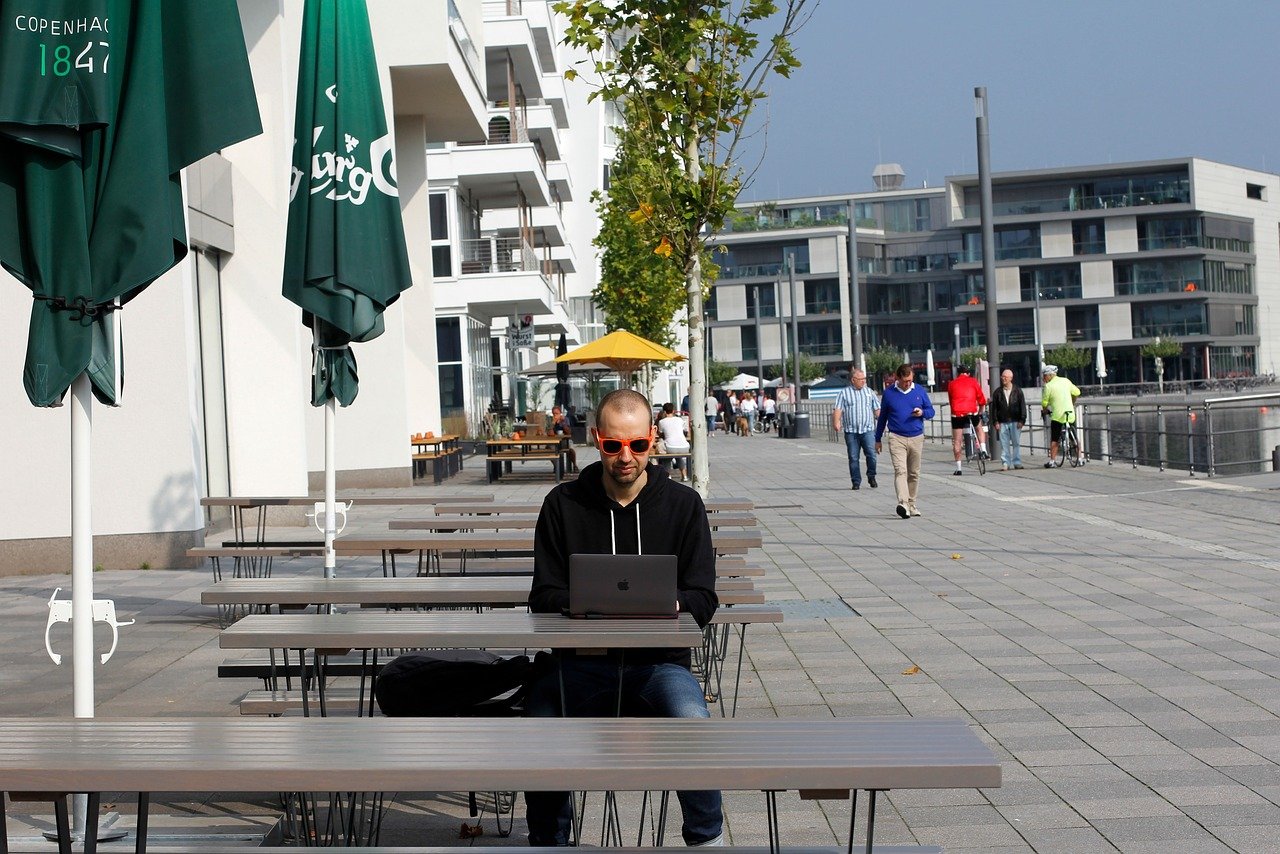
You can reduce risk on public Wi-Fi by confirming the network and bank site, using a VPN, and keeping your device locked and updated. If you cannot verify the network or something about the login page seems unusual, wait until you have a trusted connection.
What Should You Check Before Signing In?
Confirm the network name and password with staff, since a lookalike hotspot can imitate a legitimate public network. Check that the bank’s address is correct and that the connection uses HTTPS; use a bookmarked official address or the bank’s official app.
Connect your VPN before opening the banking app or site. Avoid completing a transaction on a shared device, and do not let a browser save your banking password on a device you do not control.
What Other Steps Help Protect Your Account?
Keep your phone, computer, browser, and banking app updated. Use a device lock and a unique password for your bank, with multi-factor authentication enabled.
Turn on bank alerts so you can spot activity you do not recognize. Sign out when you finish, and avoid leaving a banking session open while you step away from your device.
What to Look for in a VPN for Banking
Choose a VPN with reliable encryption, a clear privacy policy, and server locations that let you connect near your usual banking location. A VPN can protect traffic on the local network, while your bank’s HTTPS connection and account safeguards handle other parts of security.
Which VPN Features Matter for Banking?
Look for a VPN that uses a recognized protocol, explains how it handles connection data, and offers server locations suited to your needs. A no-logs policy can limit the provider’s stated collection of activity data, so review the policy to understand what it covers.
A stable connection helps reduce disruptions during a banking session. Remember that changing VPN locations can prompt extra bank verification, and no VPN feature can prevent phishing or secure a compromised device.
What Does VPNSoEasy Offer?
VPNSoEasy offers one plan at $5 per month, with no contract; you can cancel anytime by emailing info@vpnsoeasy.com and keep access until the end of the billing period. It uses WireGuard encryption through its VPNClient app, supports up to 10 devices at once, and states a strict no-logs policy.
You can choose among its server locations and select one near your usual location when banking. The consistent location can help avoid unnecessary login changes, though your bank may still request extra verification.
A VPN Adds Privacy, but Account Security Takes More
A VPN for online banking can help protect your traffic from people monitoring public or shared Wi-Fi, while HTTPS secures the connection to your bank. Your strongest routine pairs those protections with a unique password, multi-factor authentication, bank alerts, updated devices, and careful checks of the bank’s address.
If a bank challenges a VPN login, complete verification through the official app or website. If the connection is refused on a trusted network, briefly disconnect the VPN and try again.
Frequently Asked Questions
Is a VPN safe for online banking?
Yes, using a reputable VPN can add privacy by encrypting traffic between your device and the VPN server. Your bank’s HTTPS connection still protects the bank session, and you should keep using strong account-security practices.
Should you use a VPN for online banking?
A VPN is useful when you bank on public or shared Wi-Fi because it helps shield your traffic from the local network operator. On a trusted home network, HTTPS already protects the connection to your bank, so a VPN adds privacy rather than replacing account protections.
Can banks detect a VPN?
Banks can see the IP address and apparent location used for your login, which may belong to a VPN server. If those signals seem unfamiliar, your bank can require extra verification or refuse the connection.
Which banks block VPN connections?
Banks set their own security rules, so VPN access can vary by institution, connection, and login signals. Check your bank’s guidance or contact it through an official channel if a VPN connection is blocked.
Is it safe to make a bank transaction while connected to a VPN?
Yes, a transaction can be safe over a VPN when you use your bank’s official site or app and verify the connection. If your bank challenges or blocks the login, complete its verification steps or disconnect the VPN briefly on a trusted network.